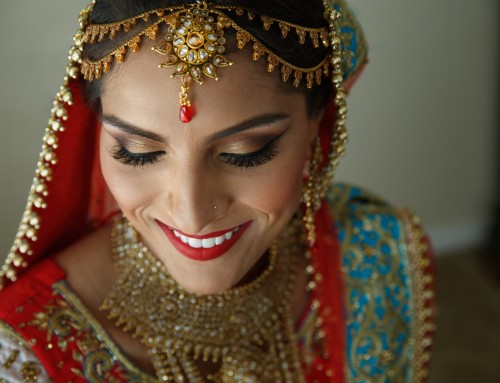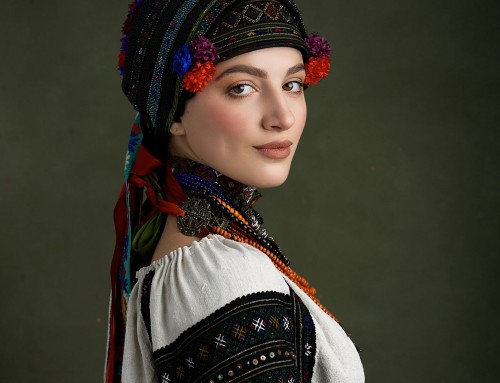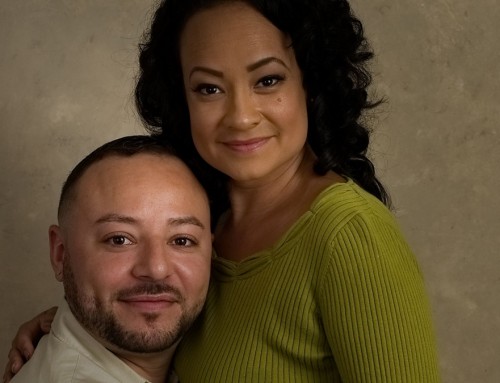
Good morning, everyone! We have something super-special lined up for you today. A quick and easy lesson in making and managing Photoshop selections. In the video below, I’ll take you through how to make a clean, hard-edged selection for use with specific bokeh effects inside of Exposure.
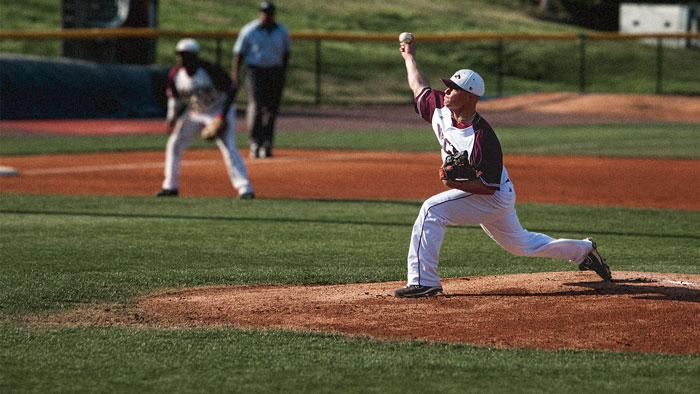
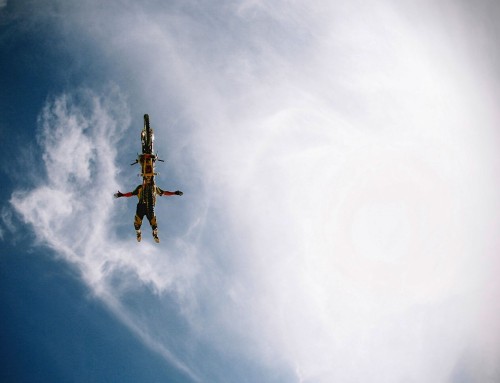
Gotta give Robert Lounsberry props for the shot!
Making a selection like this controls Exposure’s blurring from the Bokeh panel. This is how we can make a realistic-looking shallow depth of field. Once your selection is complete–I use the Quick Selection Tool (W) in the video–save that sucker! There’s nothing worse than losing a selection that took you painstakingly long hours to make. Sure it only takes a few minutes in the video, but you get the idea. You’d certainly save a rough draft of an email, so you may as well get in the habit of saving your Photoshop selections, too.

This video was recorded in a new format with our fancy new setup in the recording booth. Let me know what you think of it.
-jimmy out
*drop the mic*