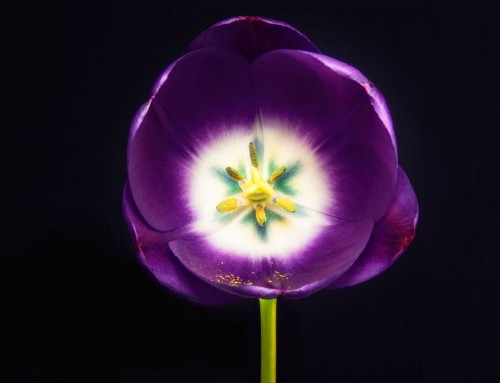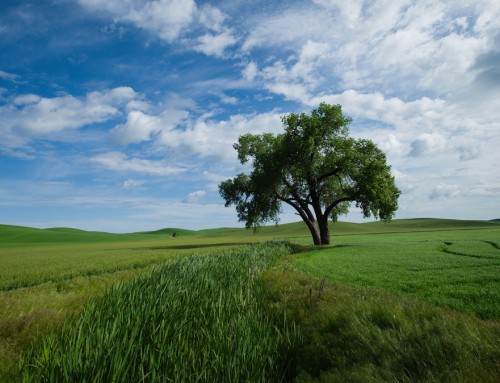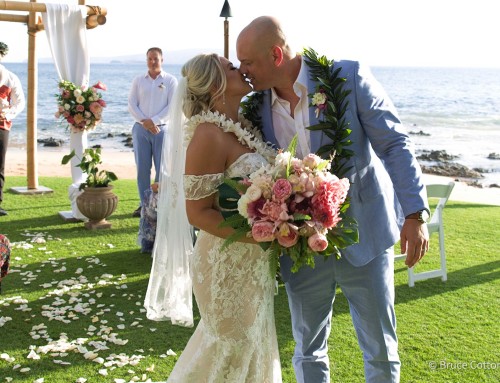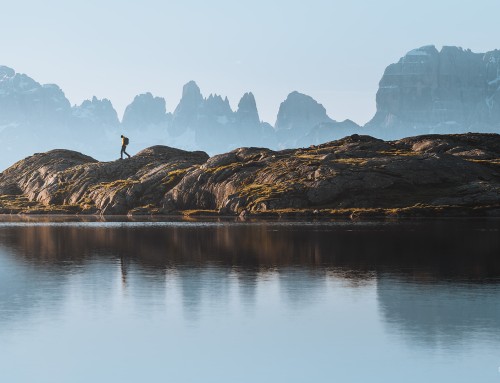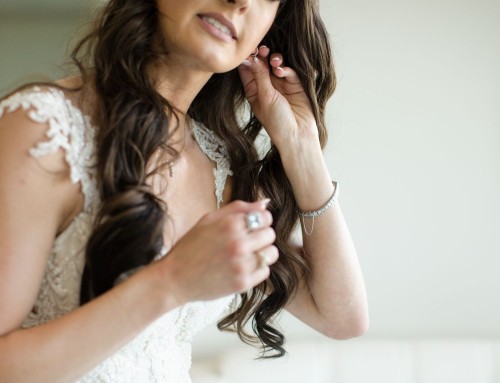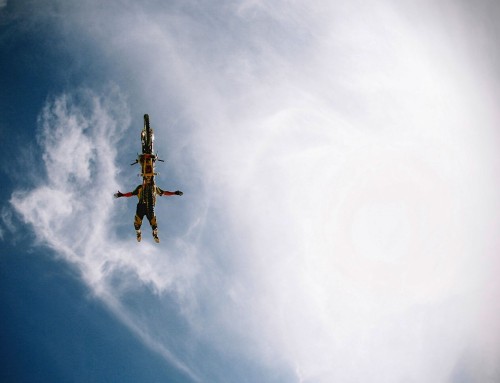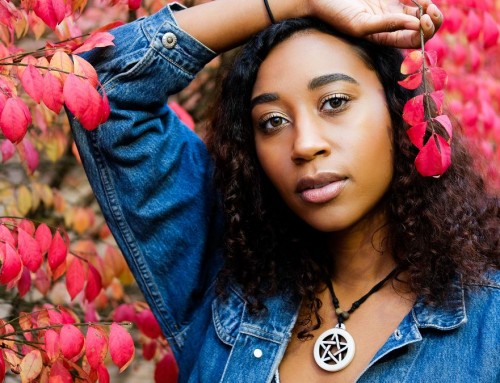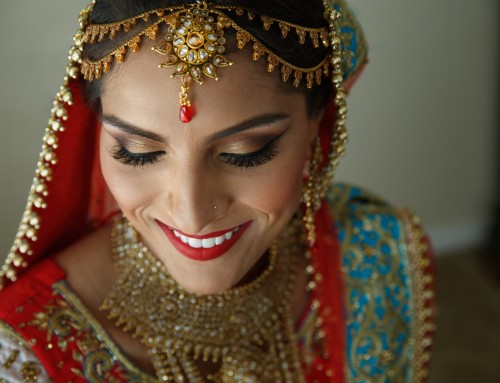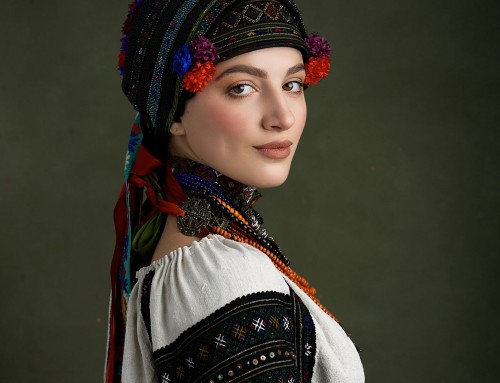
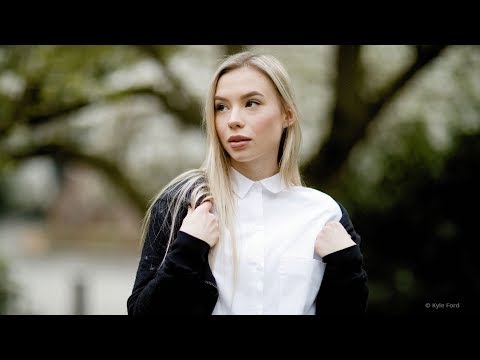
Exposure’s new side-by-side view is a powerful tool that enables you to compare both photos and presets. Learn how to take advantage of Exposure’s side-by-side feature in the video tutorial above.
The ability to compare up to four images side-by-side is useful in several scenarios. When you’re culling a set of photos, it helps you choose the best shot from several similar images. You can zoom or pan in each image to compare details such as facial expressions. When editing photos, the side-by-side preset audition enables you to compare multiple preset options before applying them to your photo.