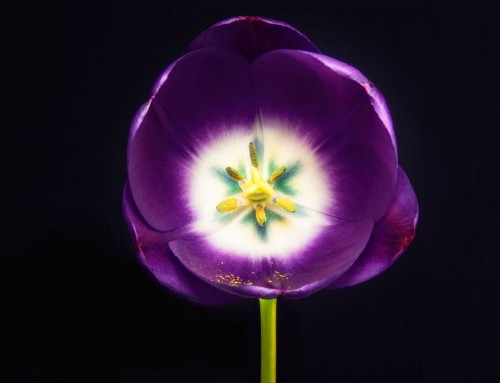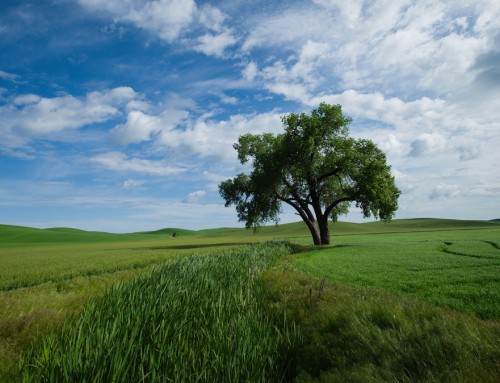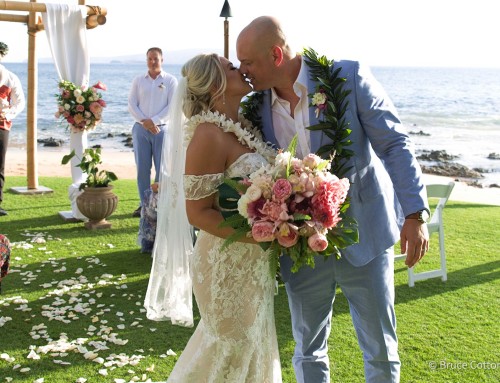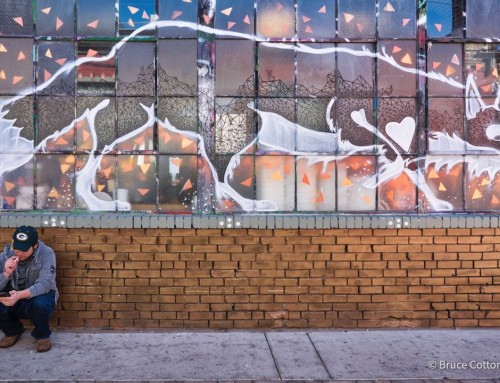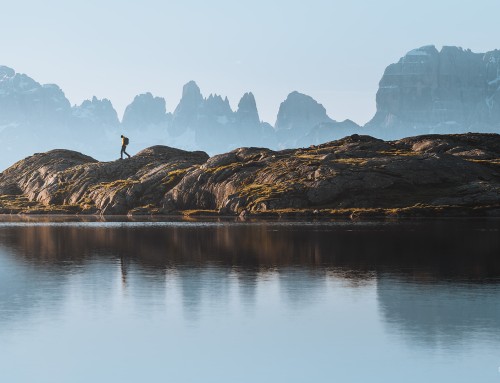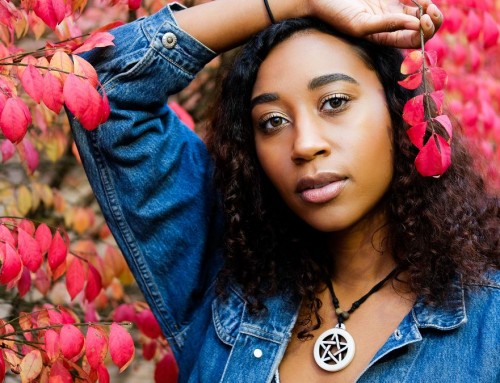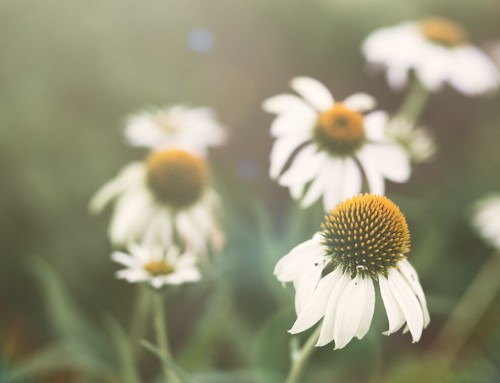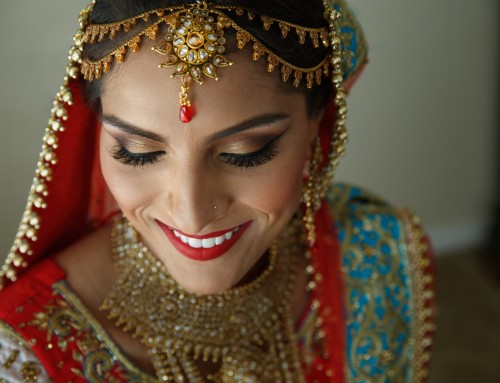

The Exposure X3 Complete Workflow update is almost here, and it brings several new feature upgrades. The update is free for all owners of Exposure X3. In this tutorial video, you will see some of the new color editing functionality in action.
Color Temperature
Exposure’s temperature slider measures the color temperature of an image in Kelvin units, which is useful for removing color casts from a photo. When shooting in conditions where the color temperature of the light is known, adjusting the white balance manually can produce better results than a camera’s automatic white balance adjustment.
Color Adjustments
The majority of your color editing workflow in Exposure takes place in color panel. The video shows you where and how to make broad color tweaks in that panel such as adding a color filter or gentle cooling or warming effects. You can easily take your workflow further by making detailed color adjustments using Exposure’s new Hue, Saturation, and Luminance controls. In addition, Exposure’s new color targeted adjustment tool enables you to make enhancements to color with precision and ease.
Watch the video to learn about Exposure’s new color editing tools, and stay tuned for our release announcement this month.