Removing Sensor Dust
Photographer Kyle Ford demos his workflow method to clear dust spots from his photos in Exposure.
Photo: Kyle Ford
Photographer Kyle Ford demos his workflow method to clear dust spots from his photos in Exposure.
Photo: Kyle Ford
This video introduces you to several different types of image sharpening, and it explains when to use each kind. Learn how to get great-looking sharpening results by adding the effects during various periods in your workflow.
Photo: April Milani, Anne Helene Gjelstad
Learn how to launch images in other programs as external editors from Exposure. Integrating all your tools into one central post-processing tool is one of the great benefits to using Exposure as the centerpiece of your workflow.
Photo: Matthew Bliss
Layers take photo editing to a whole new level. Separate layers provide more precise control over adjustments. Learn how to use layers in this video.
Photo: Lynda Mills
Learn how to integrate Exposure with Photoshop. This video shows you how to edit PSD images created in Photoshop, how to export PSD images, and more.
Photo: McClanahan Studio
Learn ways to improve your understanding of Exposure’s many creative tools. Watch expert instructor Tim Grey’s webinar 'Effects for Creative Vision' and gain new insights into creative editing.
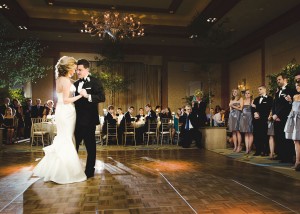
Batch editing is a post-processing technique that allows for adjusting a bunch of images fast. If you have images shot under similar lighting conditions, you can apply the same tweaks to them all at once. Exposure gives you a few different ways to batch edit photos.
Photo: Jeni Ann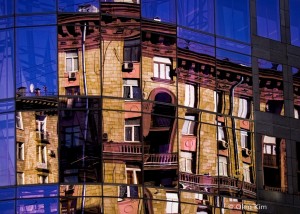
This video shows you how to create well balanced vignette effects. Vignettes are great creative tools to subtly focus attention on the subject.
Photo: Oleg Kim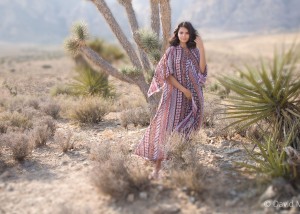
Image focus is a powerful way to direct the viewer’s eye. Controlling areas that are in and out of focus gives you loads of creative options in post-production. This video was made to show you how you can add realistic blurring effects to your images in Exposure.
Photo: David Mecey
Learn how to work with presets in Exposure. See how to browse and search, use filtering, how to save custom presets, and how to import and export.
Photo: Tony Asgari