Retouching Portraits
Editing can transform a flat shot into something amazing. This video demonstrates processing methods to add drama and punch to portraits.
Photos: Luc Coiffait
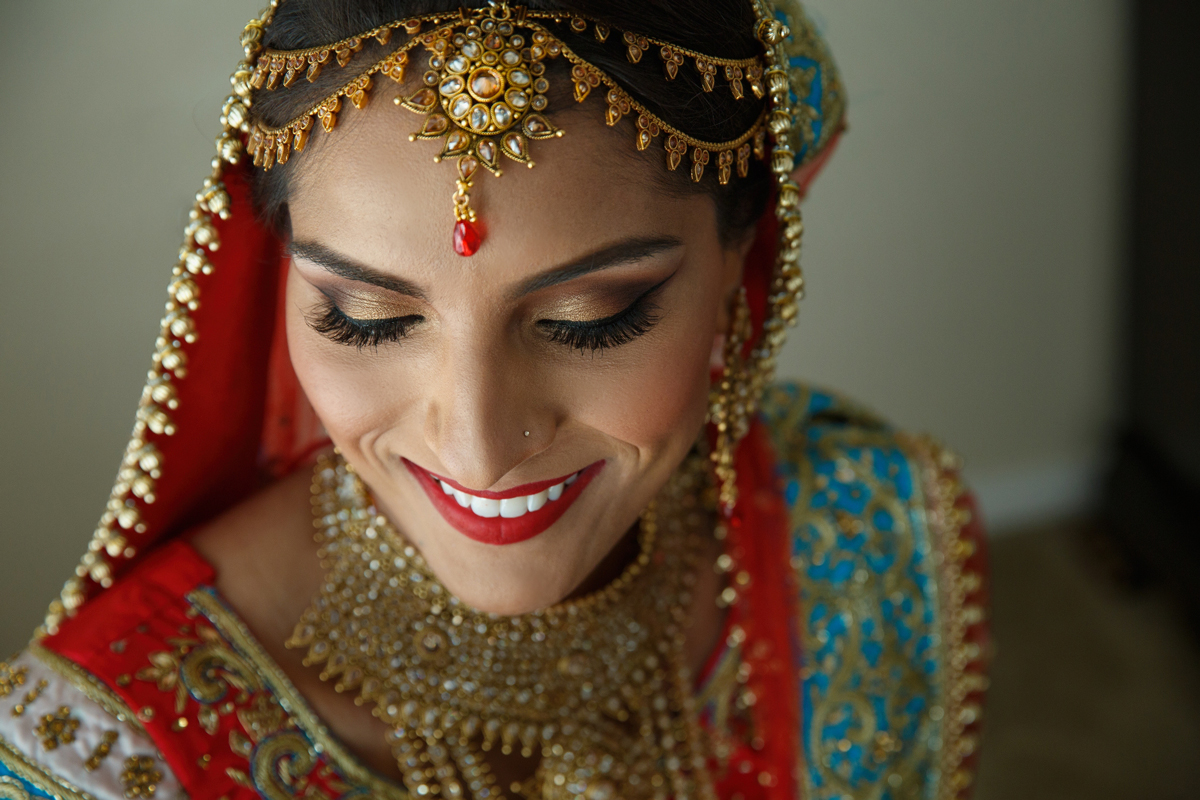
Editing can transform a flat shot into something amazing. This video demonstrates processing methods to add drama and punch to portraits.
Photos: Luc Coiffait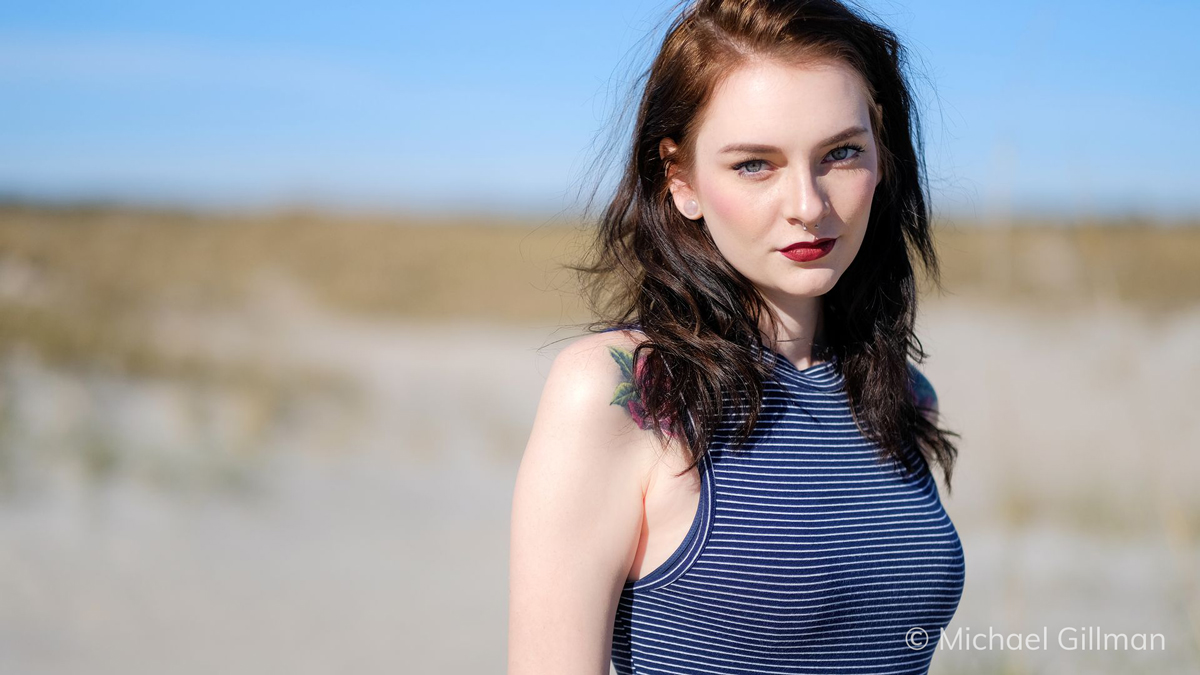
Converting masking selections into polygons enables you to quickly create detailed, adjustable selection boundaries in Exposure. This video teaches you how.
Photo: Michael Gillman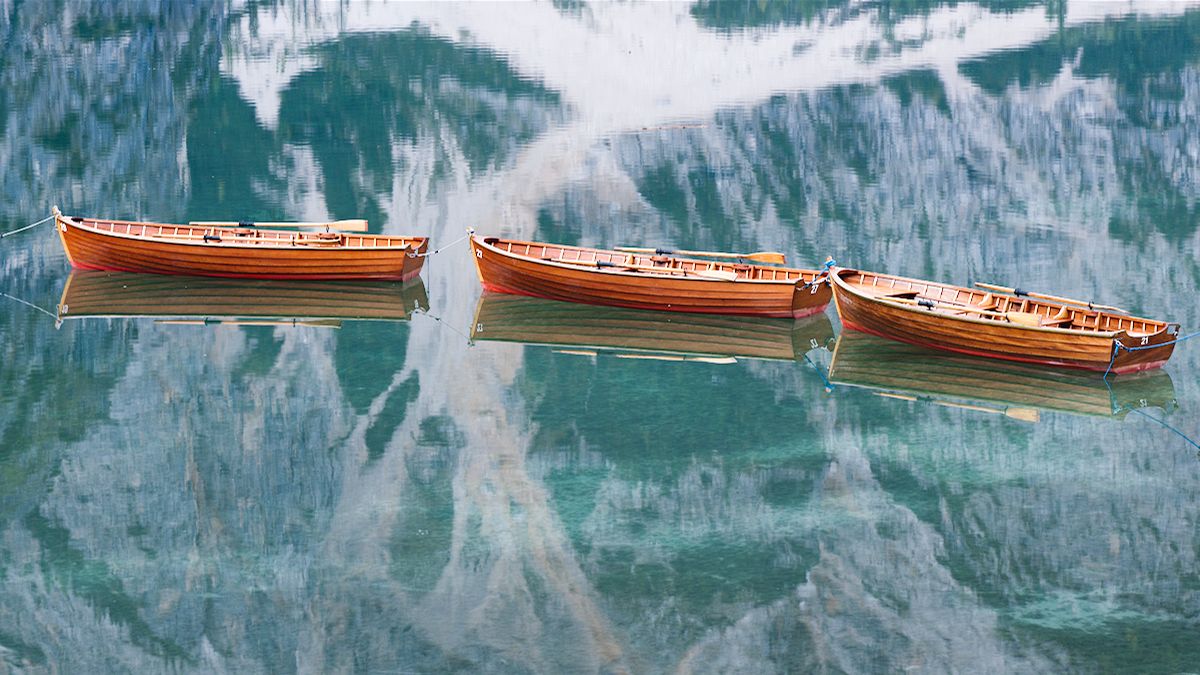
The Lasso selection tool in Exposure enables you to easily select objects in photos for editing adjustments. See how in this video.
Photo: Andrea Livieri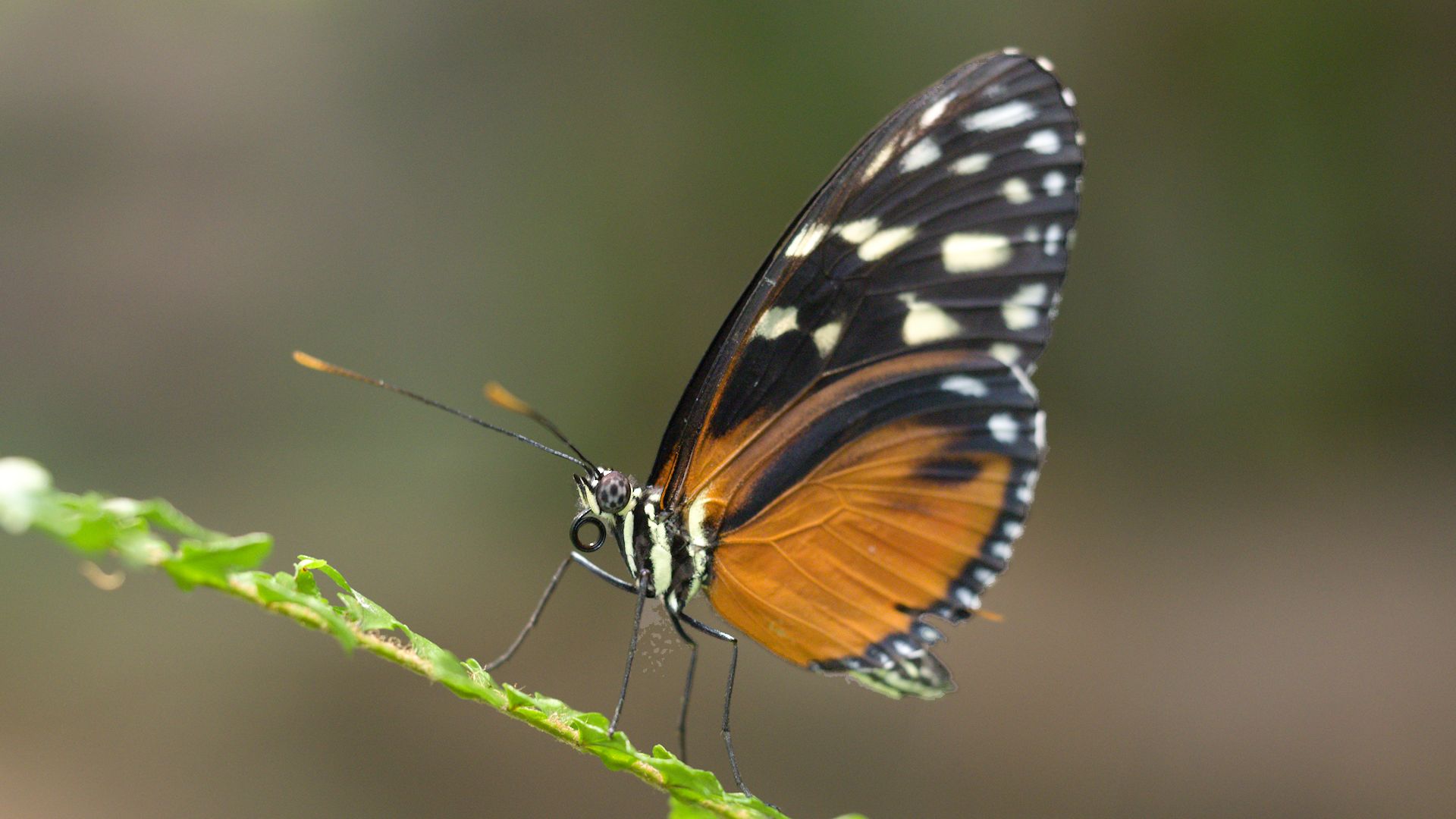
The Border Marker selection tool in Exposure makes it easy to select objects in photos. See how in this video.
Photo: Jeff Butterworth, Michael Gillman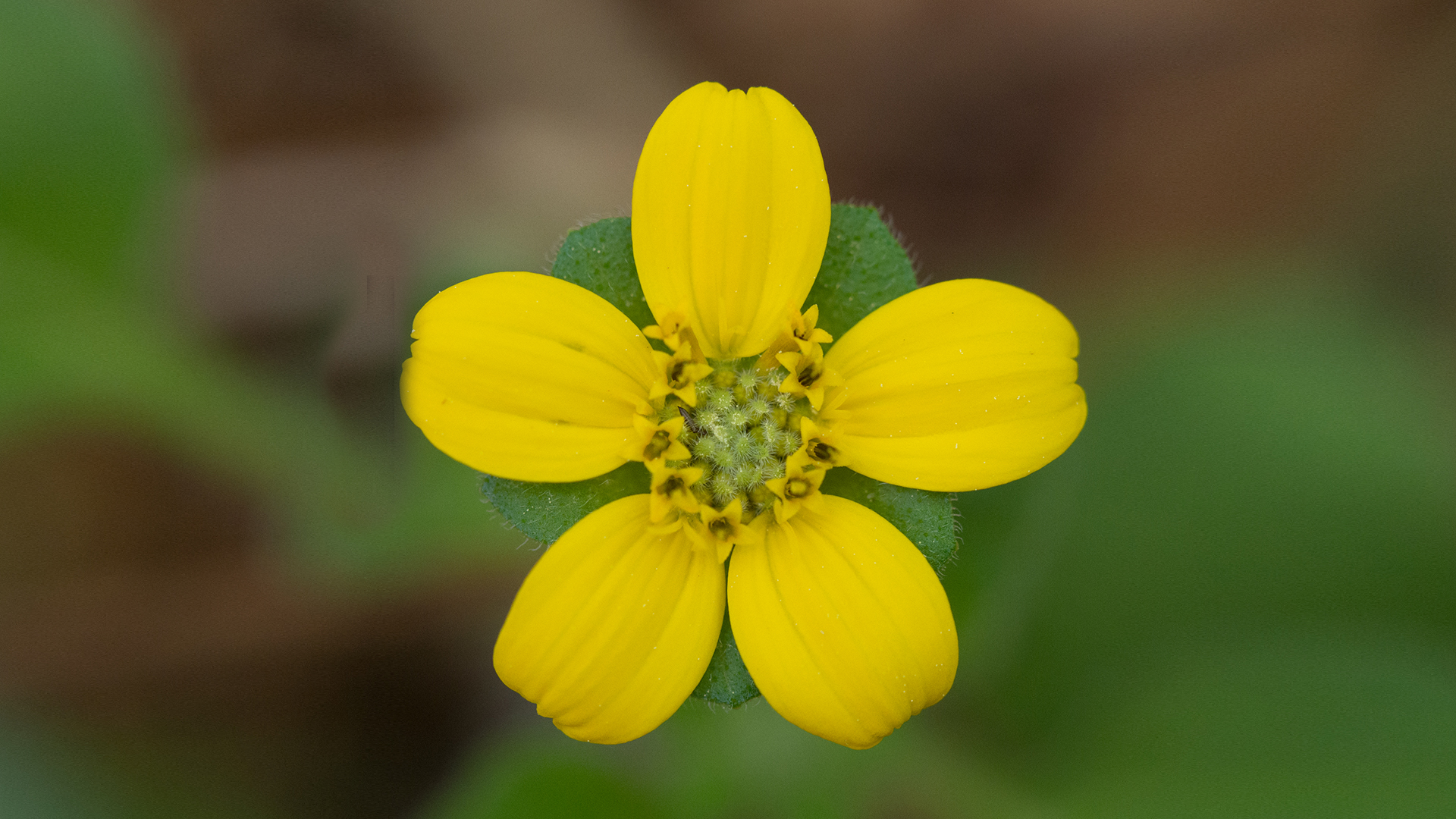
This video demonstrates how to use the masking selection tools in Exposure. These tools help you quickly generate layer masks that isolate a subject for editing adjustments.
Photo: Jeff Butterworth, Julian Berman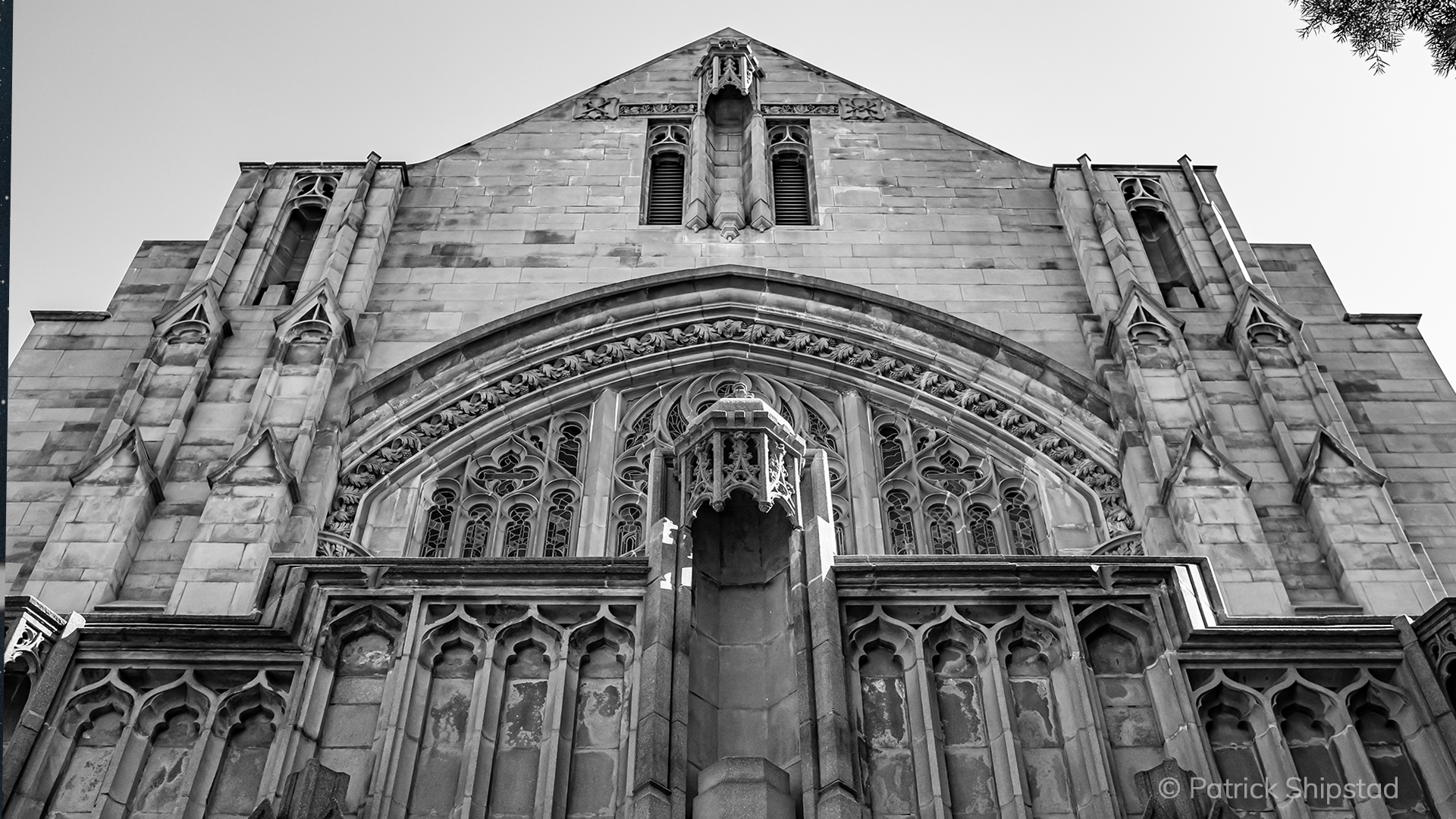
Exposure uses a unified crop and transform panel to provide a simple way to compose photos. Learn how to use its tools in this video.
Photo: Patrick Shipstad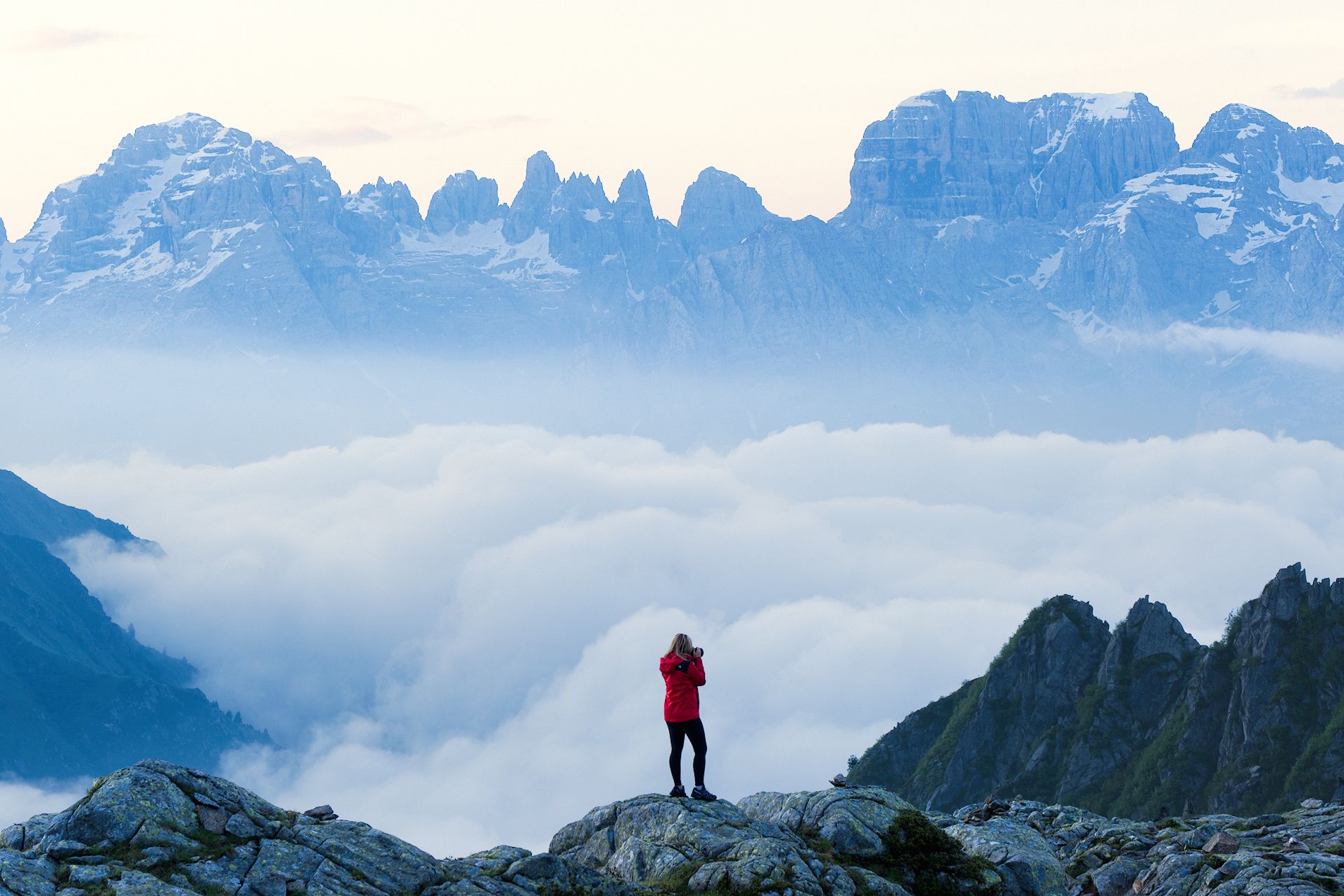
This video demonstrates how to use the masking selection tools in Exposure. These tools help you quickly generate layer masks that isolate a subject for editing adjustments.
Photo: Andrea Livieri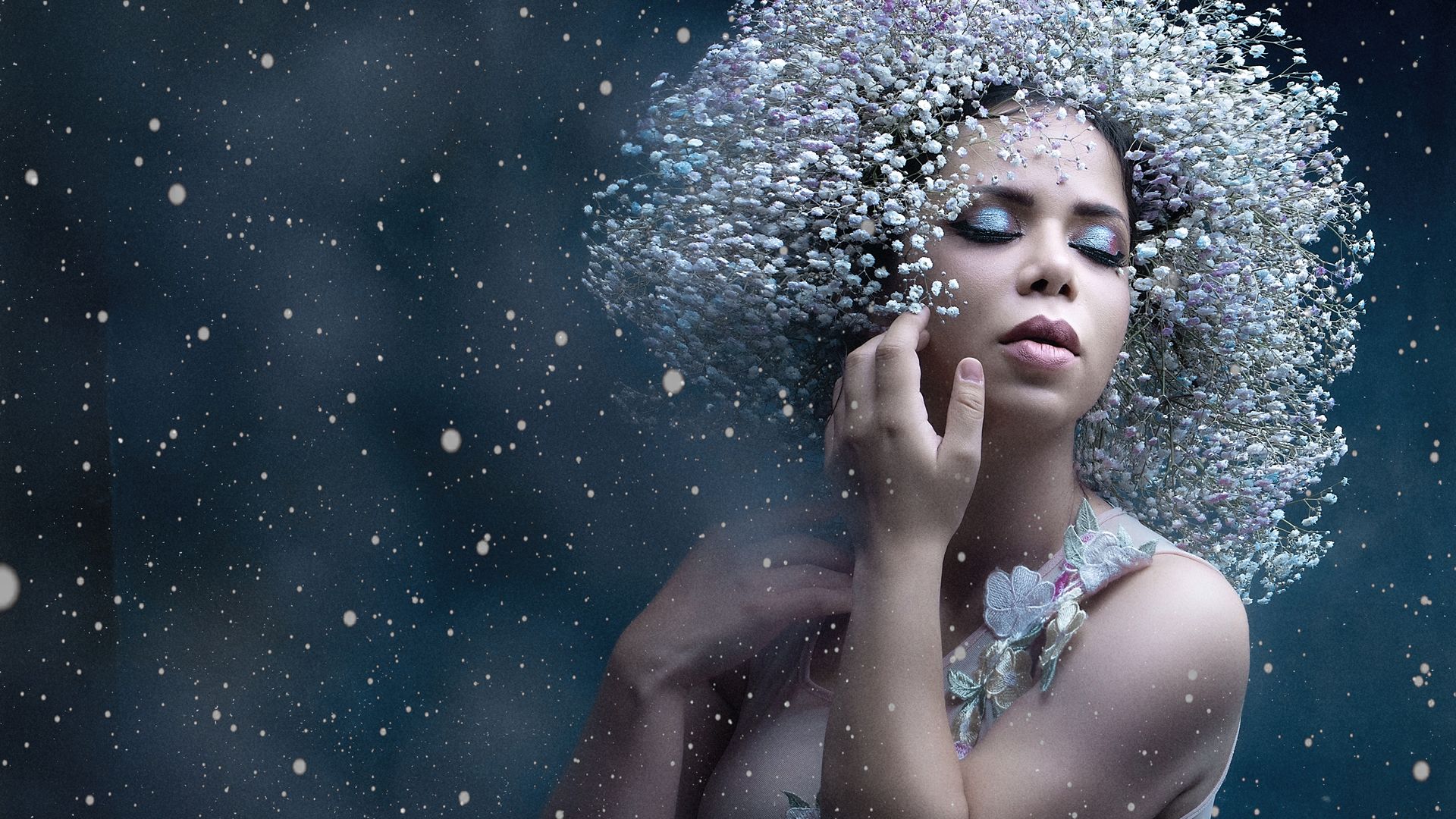
Workspaces are custom arrangements of panels designed for a specific task in Exposure. They help you focus your attention by showing only the controls needed to perform the task.
Photo: Alejandro Gutierrez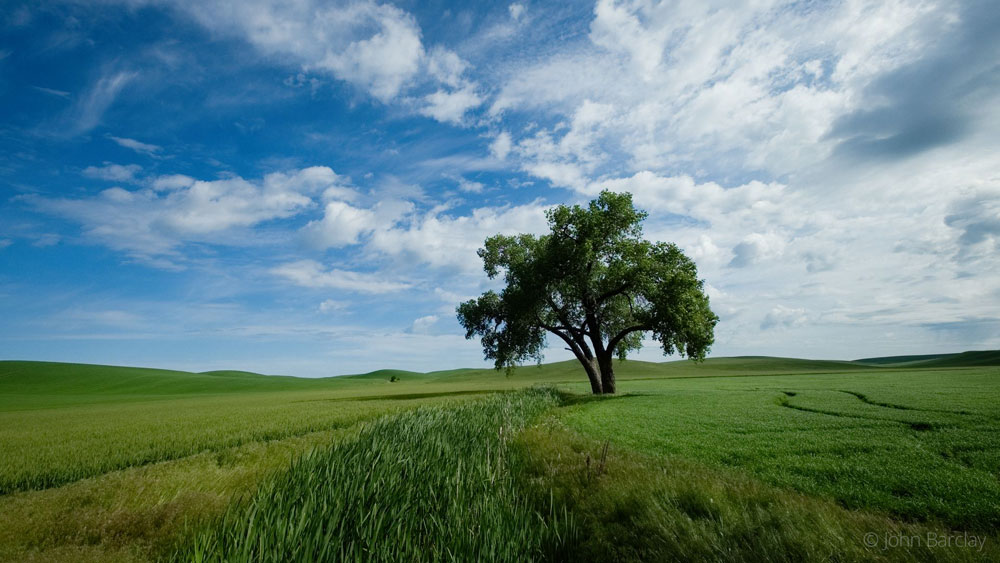
Watch this video to learn the basics of using Exposure and about the important features for photo editing and organizing.
Photo: John Barclay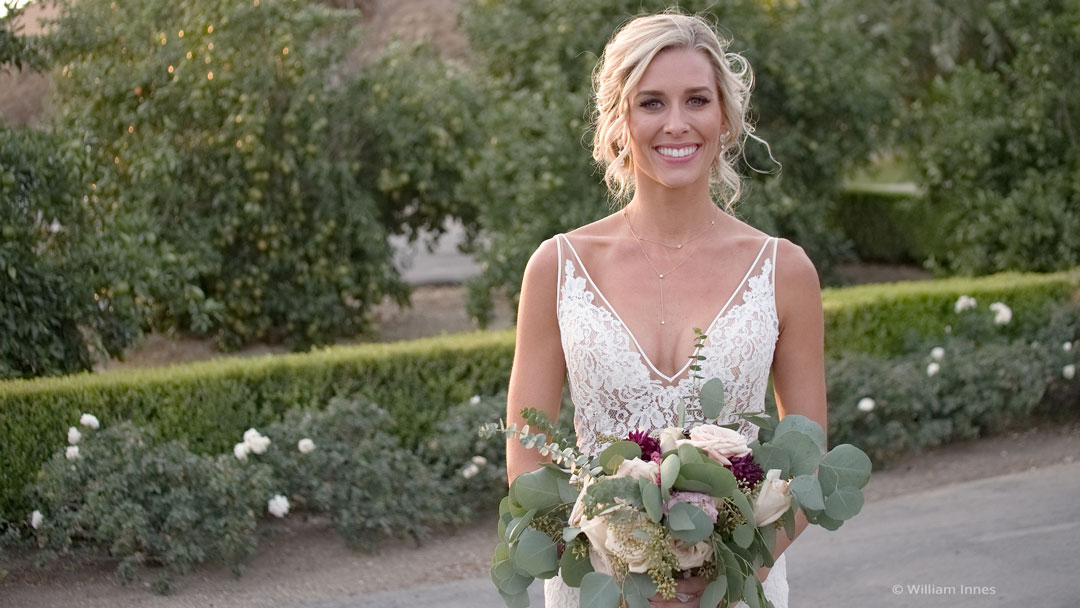
This video helps you understand how to copy images from a camera card using Exposure. You'll see how to preview images on your camera cards, efficiently make image selections, edit metadata, apply creative presets, automatically save backups, and more.
Photo: William Innes Photography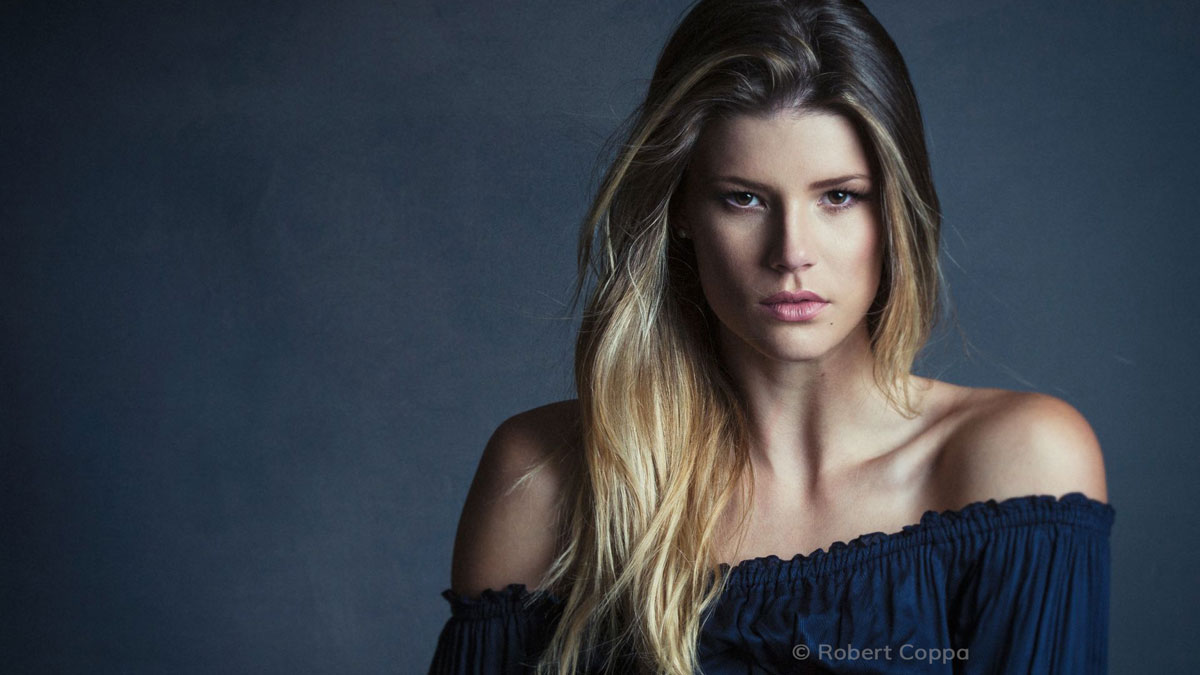
This video introduces you to the preset categories. After watching you will know where to look for various effects in Exposure.
Photos: Bernard Mesa, Andrea Livieri, David Mecey, John Barclay, Robert Coppa, Model: Elizabeth Krijnen from Devojka Models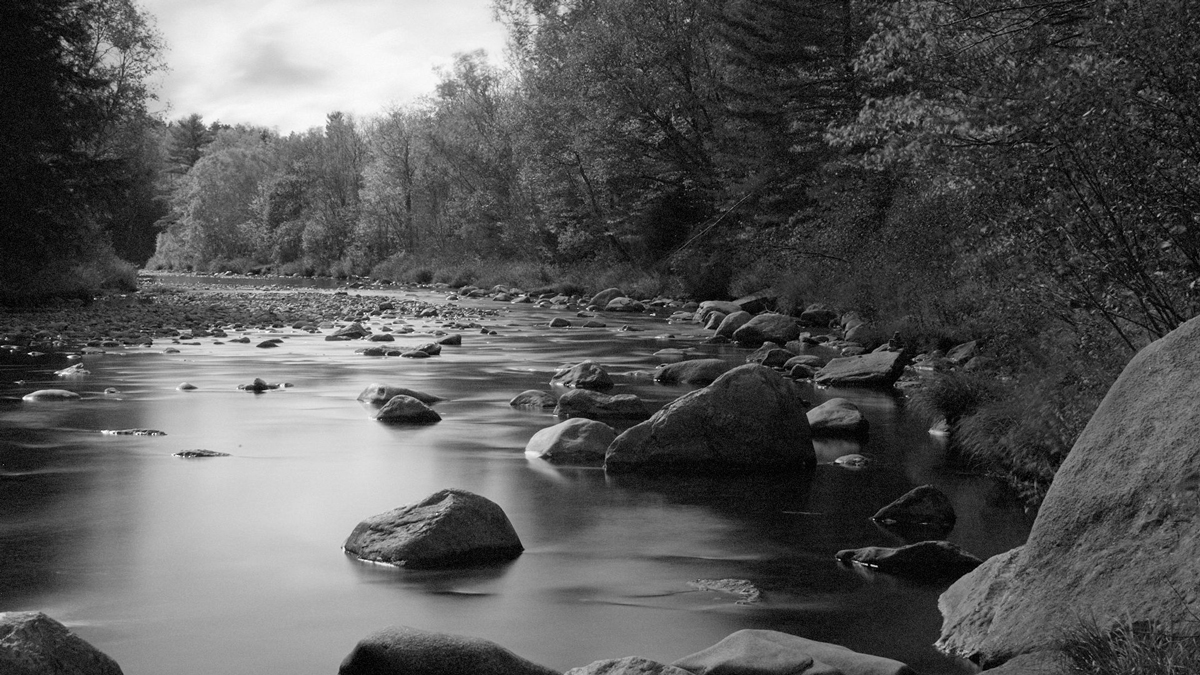
This video shows you techniques for converting color images into stunning black and white photographs in Exposure.
Photo: Kariann Photography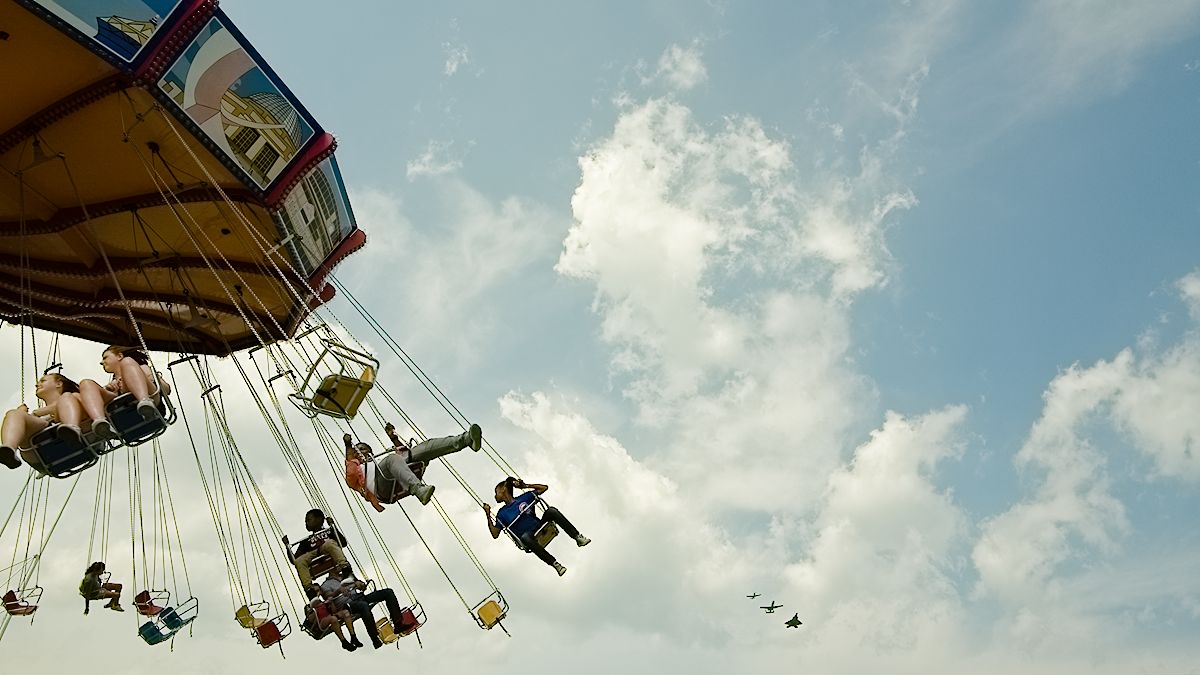
A few basic edits can make all the difference for your final photos. Watch this video and learn tips for getting the most out of your RAW images.
Photo: Bruce Cotton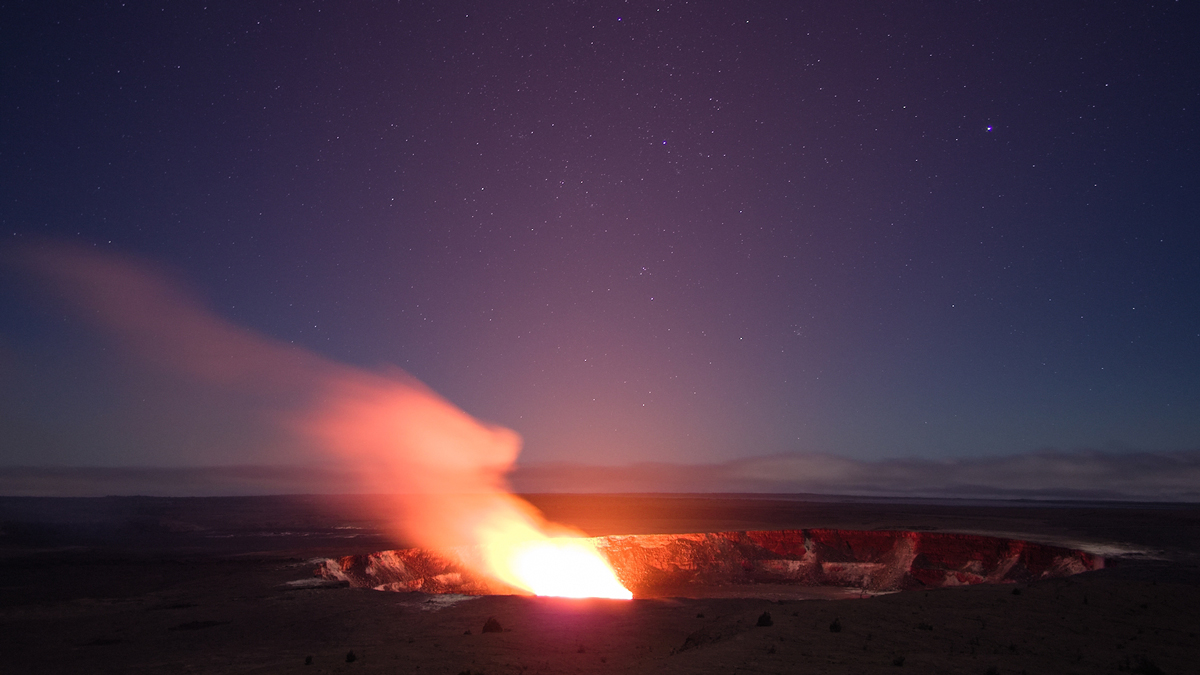
Although every digital photo has noise, it’s usually something to avoid. This video shows you how to reduce noise using Exposure.
Photos: Jeff Butterworth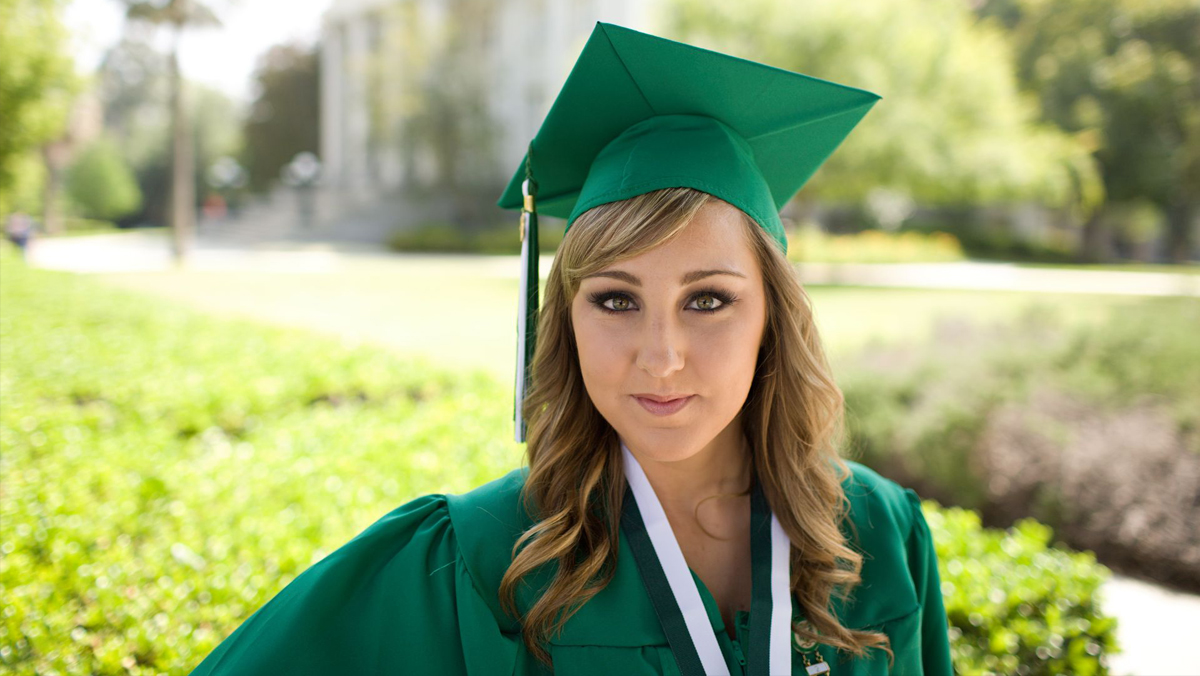
Learn how to use the advanced color editor in Exposure for making precise color modifications in images. This video demonstrates the process.
Photos: Randy Kepple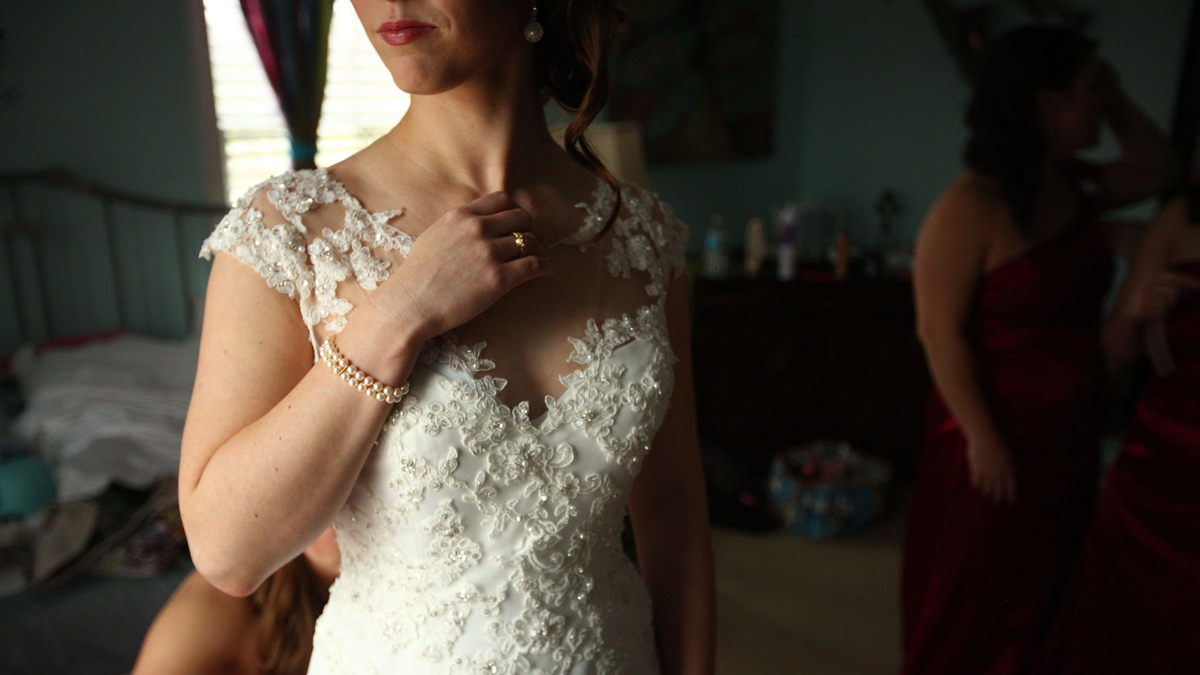
Efficient photo organization gets you through post-production quickly, so you can spend more time being creative. This tutorial demonstrates how to set up simple rules in Exposure that organize images automatically.
Photo: Hiram Trillo Photography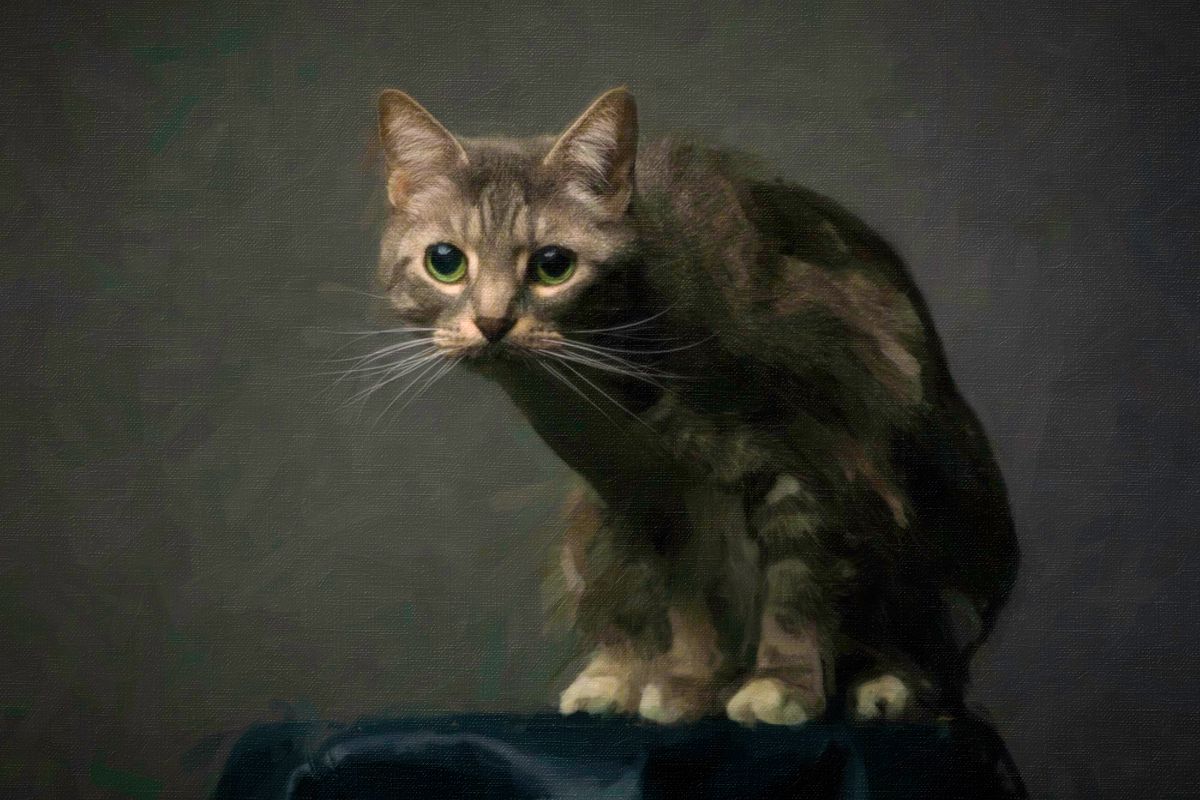
The Exposure Bundle has great tools for creating unique art. This tutorial demonstrates how to use effects from Snap Art and Exposure together efficiently.
Photos: Great Bear Media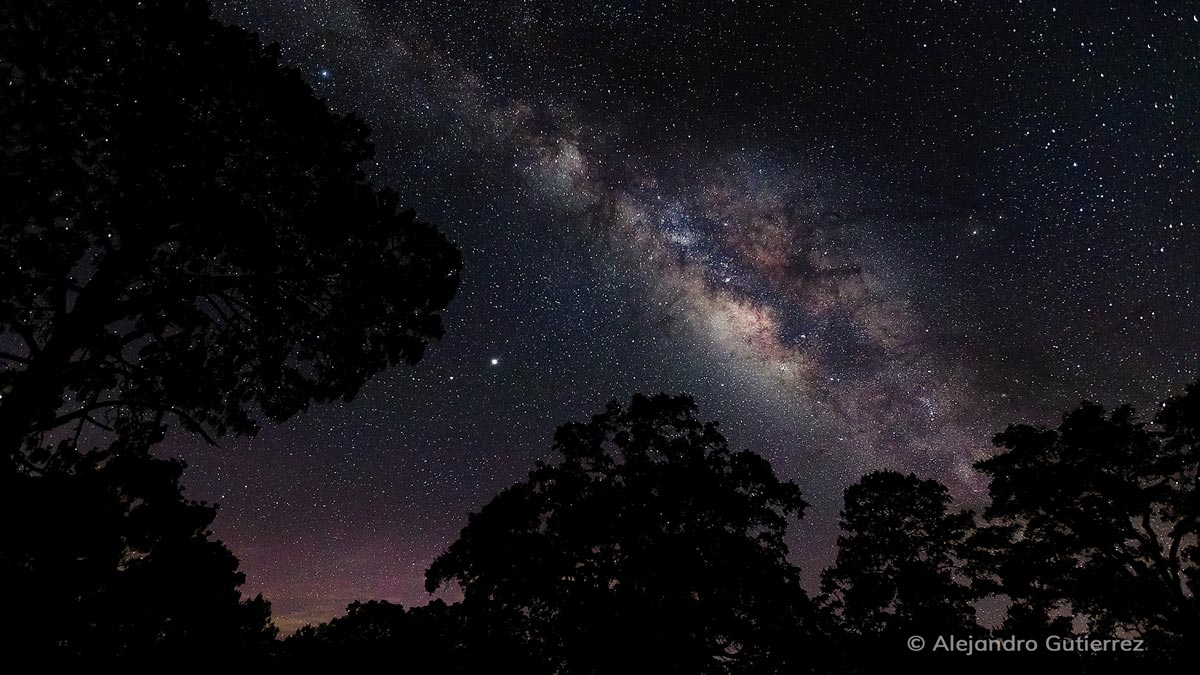
Exposure’s catalog-free design simplifies the workflow for editing photos collaboratively. This video demonstrates how to share photos and edits between two people.
Photos: Alejandro Gutierrez