Retouching Portraits
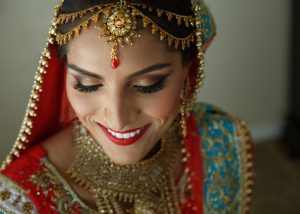
Editing can transform a flat shot into something amazing. This video demonstrates processing methods to add drama and punch to portraits.
Photos: Luc Coiffait
Editing can transform a flat shot into something amazing. This video demonstrates processing methods to add drama and punch to portraits.
Photos: Luc Coiffait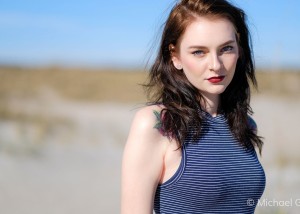
Converting masking selections into polygons enables you to quickly create detailed, adjustable selection boundaries in Exposure. This video teaches you how.
Photo: Michael Gillman
The Lasso selection tool in Exposure enables you to easily select objects in photos for editing adjustments. See how in this video.
Photo: Andrea Livieri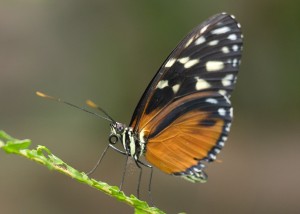
The Border Marker selection tool in Exposure makes it easy to select objects in photos. See how in this video.
Photo: Jeff Butterworth, Michael Gillman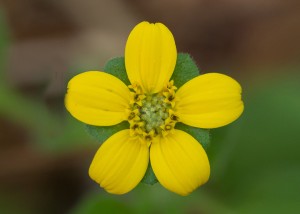
This video demonstrates how to use the masking selection tools in Exposure. These tools help you quickly generate layer masks that isolate a subject for editing adjustments.
Photo: Jeff Butterworth, Julian Berman
Exposure uses a unified crop and transform panel to provide a simple way to compose photos. Learn how to use its tools in this video.
Photo: Patrick Shipstad
This video demonstrates how to use the masking selection tools in Exposure. These tools help you quickly generate layer masks that isolate a subject for editing adjustments.
Photo: Andrea Livieri
Workspaces are custom arrangements of panels designed for a specific task in Exposure. They help you focus your attention by showing only the controls needed to perform the task.
Photo: Alejandro Gutierrez
Watch this video to learn the basics of using Exposure and about the important features for photo editing and organizing.
Photo: John Barclay
This video helps you understand how to copy images from a camera card using Exposure. You'll see how to preview images on your camera cards, efficiently make image selections, edit metadata, apply creative presets, automatically save backups, and more.
Photo: William Innes Photography
This video introduces you to the preset categories. After watching you will know where to look for various effects in Exposure.
Photos: Bernard Mesa, Andrea Livieri, David Mecey, John Barclay, Robert Coppa, Model: Elizabeth Krijnen from Devojka Models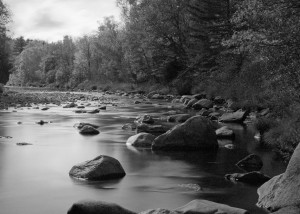
This video shows you techniques for converting color images into stunning black and white photographs in Exposure.
Photo: Kariann Photography
A few basic edits can make all the difference for your final photos. Watch this video and learn tips for getting the most out of your RAW images.
Photo: Bruce Cotton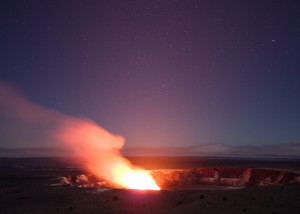
Although every digital photo has noise, it’s usually something to avoid. This video shows you how to reduce noise using Exposure.
Photos: Jeff Butterworth
Learn how to use the advanced color editor in Exposure for making precise color modifications in images. This video demonstrates the process.
Photos: Randy Kepple
Efficient photo organization gets you through post-production quickly, so you can spend more time being creative. This tutorial demonstrates how to set up simple rules in Exposure that organize images automatically.
Photo: Hiram Trillo Photography
The Exposure Bundle has great tools for creating unique art. This tutorial demonstrates how to use effects from Snap Art and Exposure together efficiently.
Photos: Great Bear Media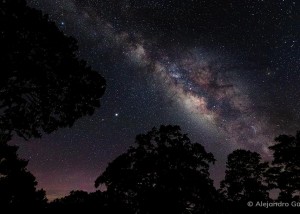
Exposure’s catalog-free design simplifies the workflow for editing photos collaboratively. This video demonstrates how to share photos and edits between two people.
Photos: Alejandro Gutierrez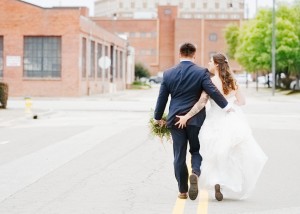
Learn how to imbue your images with light and airy styling to produce consistently bright photos with muted pop in this video.
Photos: Eric Cox Photography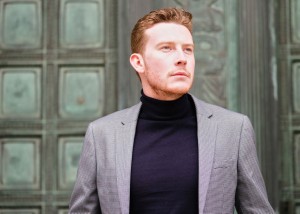
The histogram helps photographers quickly evaluate exposure values in their images. This video demonstrates how to put this tool to use it in your workflow.
Photos: Robert Whelan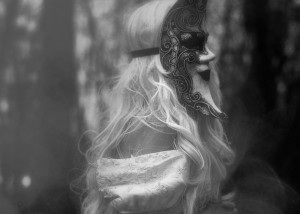
This tutorial demonstrates techniques for creating dreamlike black and white effects with ethereal properties.
Photos: Sharon Covert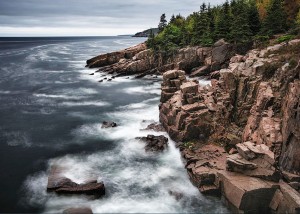
This video demonstrates how to use the gradient tools in Exposure to seamlessly blend and fade the adjustments applied to your images.
Photo: Scott Stulberg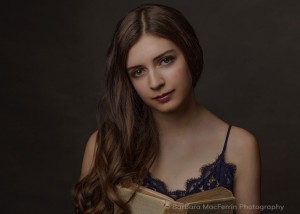
Learn how to audition several presets on the screen at the same time in Exposure. Comparing presets makes finding the perfect look for each photo a simple process.
Photos: Barbara MacFerrin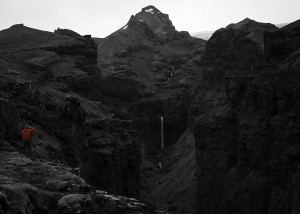
Spot color is a powerful method of directing the viewer’s attention. This video demonstrates making selective color effects in Exposure.
Photos: Luc Coiffait
Learn powerful ways to identify blown out highlights in photos and methods for recapturing details lost in brightly-exposed areas.
Photos: Jason Bone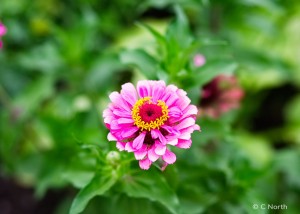
The balance of colors is a crucial aspect of the success of an image. Watch this video for a lesson in correcting unwanted color casts in photos.
Photos: Andrea Livieri, Halftone Studios
This video demonstrates how to identify and remove unwanted color fringes from photos.
Photo: Randy Kepple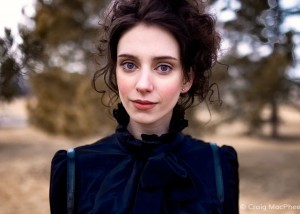
Learn how to define detailed layer masks with minimal effort in this video. Defining layer masks is a simple process with Exposure's 3D color masking tools.
Photos: Craig MacPhee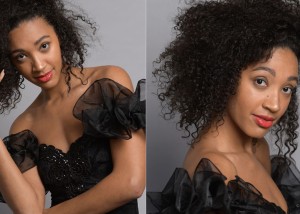
Learn how to define layer masks based on hue, saturation, or luminance. You can create masks defined by these constraints and share them between similar photos.
Photos: Andrea Livieri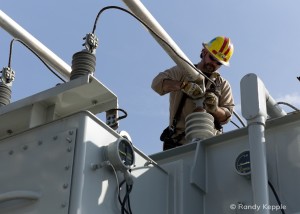
Learn a few techniques for removing issues from images, such as straight lines that appear to curve, or unwanted darkening near the corners of the frame.
Photos: Randy Kepple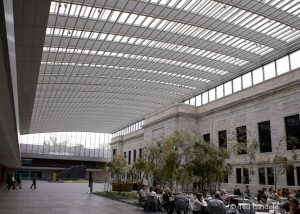
This video demonstrates how to fix chromatic aberration issues. Learn where to find them, how to fix them, and how to balance adjustments to remove them.
Photo: Hatice Lance
This video demonstrates how to create and use camera profiles, including the use of color checker systems, to reproduce colors that are true to life.
Photo: Pooje Photography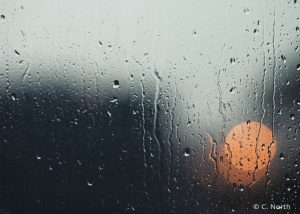
Backing up photos is a foundational part of processing digital photography. This video demonstrates methods for creating and managing archives of images.
Photos: C. North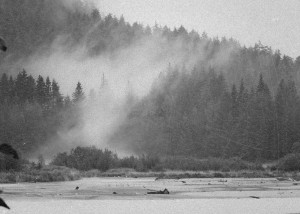
This tutorial demonstrates techniques for creating high-contrast black and white looks with grit and grunge reminiscent of vintage Hollywood films.
Photos: Kariann Photography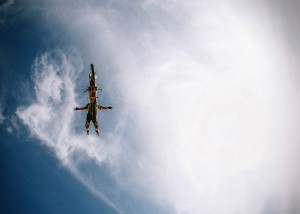
Learn to recover details in a brightly captured sky and how to balance adjustments between the sky and foreground in this video tutorial.
Photos: Jean Francois Muguet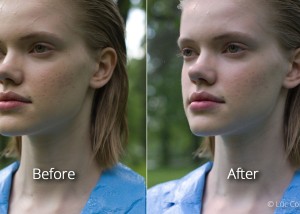
Editing can transform a flat shot into something amazing. This video demonstrates processing methods to add drama and punch to portraits.
Photos: Luc Coiffait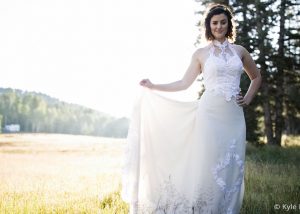
Watch this video for a lesson in removing distracting elements from photos with the spot healing, cloning, and cropping tools, and how to reduce the impact of elements that can't be removed.
Photos: Kyle S Ford
This tutorial guides you through adding punch to flat photos with adjustments to clarity, contrast, and vibrance. Learn tips on when to use each technique, how much to apply, and more.
Photos: Hiram Trillo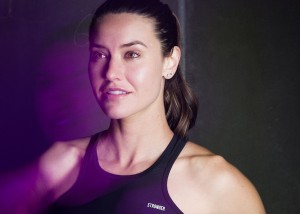
This video shows you how Exposure helps you quickly cull your images to find the very best ones. And you do all your work, both culling, and editing, in one interface, so you can seamlessly transition between stages in your workflow.
Photo: Kyle Allen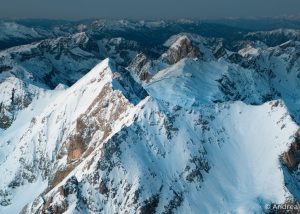
The balance of colors is a crucial aspect of the success of an image. Watch this video for a lesson in correcting unwanted color casts in photos.
Photos: Andrea Livieri, Halftone Studios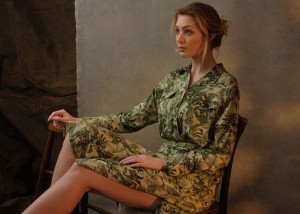
This tutorial guides you through adding punch to flat photos with adjustments to clarity, contrast, and vibrance. Learn tips on when to use each technique, how much to apply, and more.
Photos: David Shoukry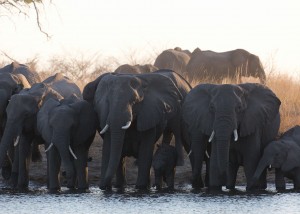
Watch this video and learn basic post-processing methods for correcting underexposure in digital photos that are dark.
Photos: Megan Dreyers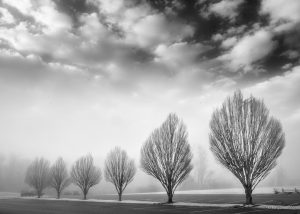
Shortcut keys designed for your specific needs can greatly improve your workflow. This video shows you to customize the keyboard shortcuts in Exposure.
Photo: Tony Sweet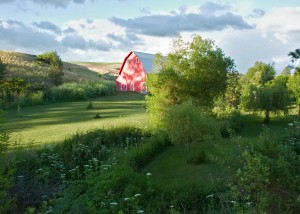
Learn how to work with LUTs in your Exposure workflow. This video demonstrates how to import LUTs into Exposure, then how to browse, search, adjust intensity, blend multiple LUTs, and more.
Photos: Scott Stulberg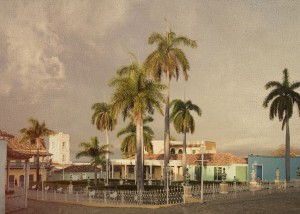
Learn all about Exposure's overlays in this video. We'll show you how to apply borders, textures, and light effects, and how to customize them.
Photo: John Barclay
Learn the basics of printing, and preparing your images for print, using Exposure’s print capability.
Photo: OCH Studio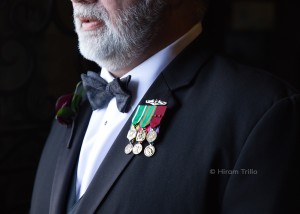
This video walks you through the process of using Exposure's migration tool to transfer images and image data from a Lightroom catalog into Exposure.
Photo: Hiram Trillo
This video demonstrates how Exposure's collections features help you manage your photos quickly, easily, and with lots of flexibility. Learn how you can benefit from Exposure's collections.
Photo: John Barclay, Scott Stulberg, Patrice Mestari, Niall Benvie, Michael Gillman, Halftone Studios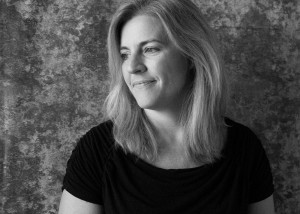
Learn how to use Exposure for tethered shooting workflows in this video. Tethered shooting enables you to view the finished images on a large screen immediately after clicking the shutter.
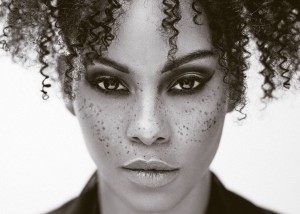
This video demonstrates how to apply split toning effects to your images in Exposure.
Photo: Terrence Jones Photography